

Are you a first-year student at the University of Pécs, and does the university library still feel like unfamiliar territory? Don’t worry – with this guide, you can get to grips with the essentials in just a few minutes! We’ve collected the 10 most important things you need to know so that you can confidently use the services of the University of Pécs Library and Knowledge Centre from the very beginning of the semester. After all, the library is here to support you throughout your studies.
1. Register! – quick, easy and free
To use the library, you need to register either in person or online at one of the libraries in our network. Once you have your library card, you can access all the services of the university library and the specialised libraries.
If you only need access to databases and e-journals from home, you can get started with online registration. However, to use our other services, you will need to visit one of our libraries in person.
You will need:
- A valid form of ID (identity card, passport or driving licence)
- Address card
- A valid student ID card or your Neptun code
As a University of Pécs student, registration is completely free!
2. Discover your virtual library card
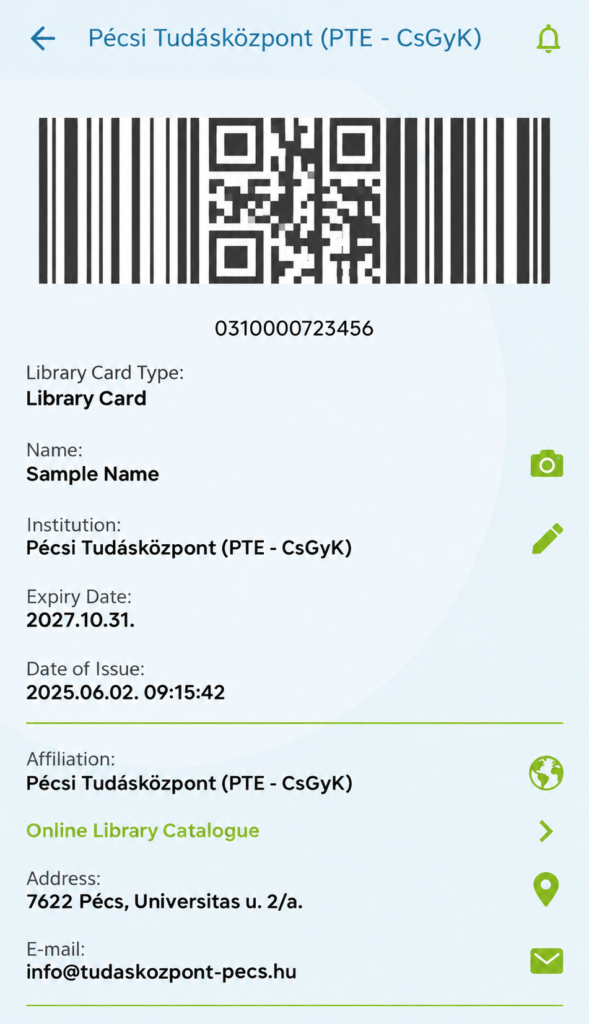
Don’t worry if you’ve left your plastic card at home – your library card now works on your phone too! There are two ways to access your virtual library card:
1. In the Qulto eCard app (available for both Android and iOS):
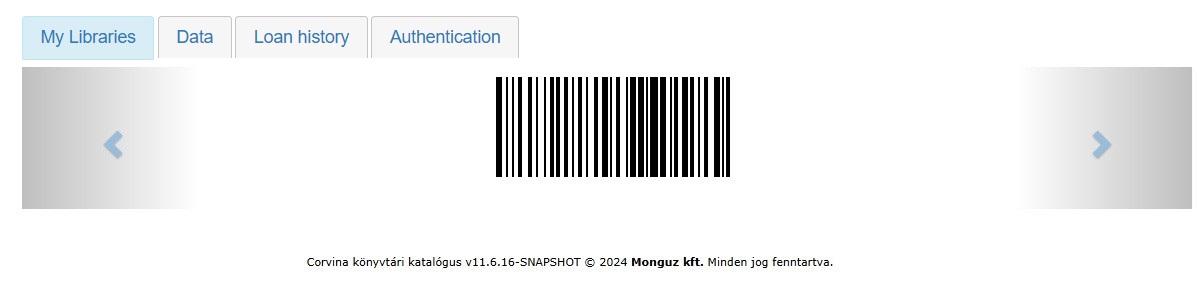
2. With the unique barcode in your library account:
You can use your digital library card at the entrance gates of the Knowledge Centre, when borrowing books and when using library services, just like your traditional card – only faster and more conveniently.
3. Borrow books at the service desk or self-service machine
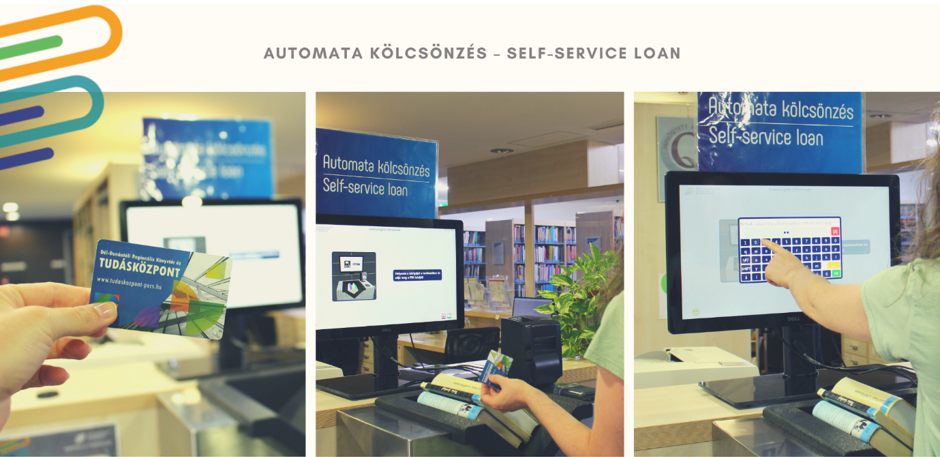
With a valid library card, you can borrow books immediately. You can either visit the traditional circulation desk or use the self-service borrowing machine.
In your library account, you can check what you have borrowed and when it is due, renew your loans, and even add the due date to your calendar so you don’t forget.
4. Search the Corvina catalogue from home
Before heading to the library, it is worth checking the Corvina catalogue (OPAC) from home. Here you can search for documents, check which library has the item you are looking for, and see whether it is currently available for borrowing. This means you don’t have to spend hours wandering between the shelves – you will know exactly what you are looking for and where to find it.
5. Borrow an e-book reader or tablet
If you prefer reading your notes or books digitally, as a PTE student, you can borrow an e-book reader or tablet from the circulation desk on the 2nd floor of the Knowledge Centre. You can find more information here.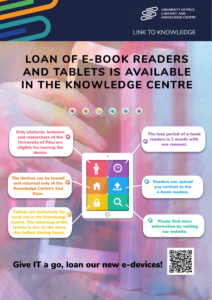
6. Use the e-library from home!
The e-library provides access to thousands of scholarly resources available online. It can be especially useful when you realise late in the evening that you are missing something for an assignment.

7. Save yourself some time!
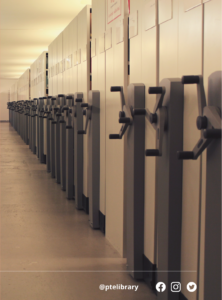
Here’s a great trick that many first-year students don’t know about:
You can request documents from the storage facility online, and by the time you arrive at the library, your requested materials will already be ready for you to collect.
This way, the material you need will be prepared in advance, so you don’t have to wait for it. You can find more information about requesting items from the storage facility here.
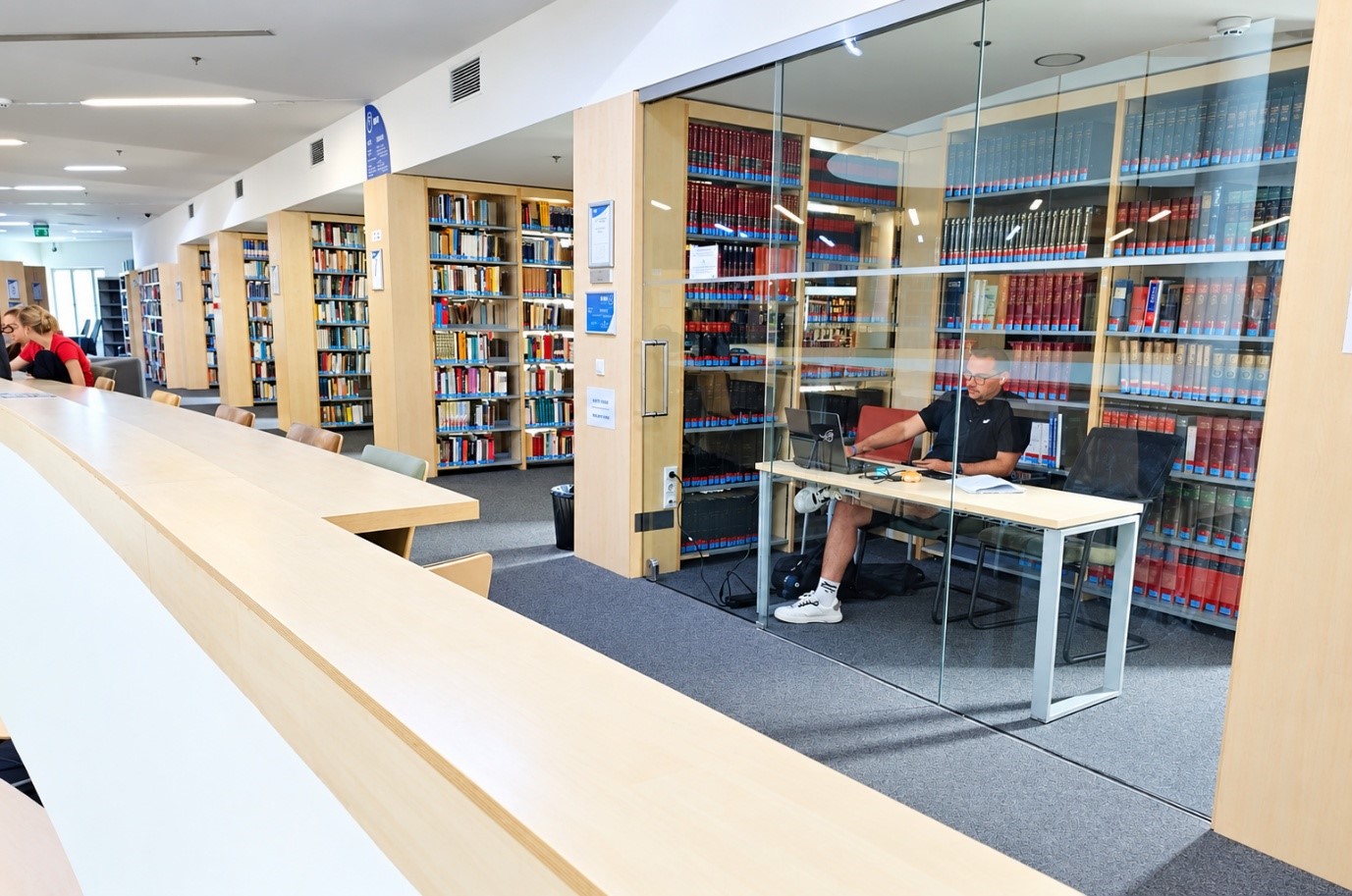
8. Reserve an individual or group study space
Would you like to study with your classmates, or would you prefer to work on your own in a private, modern environment?
Free study rooms and research cubicles are available both in the Knowledge Centre and in the specialised libraries.
These spaces, equipped with modern technology, provide ideal conditions for uninterrupted work.
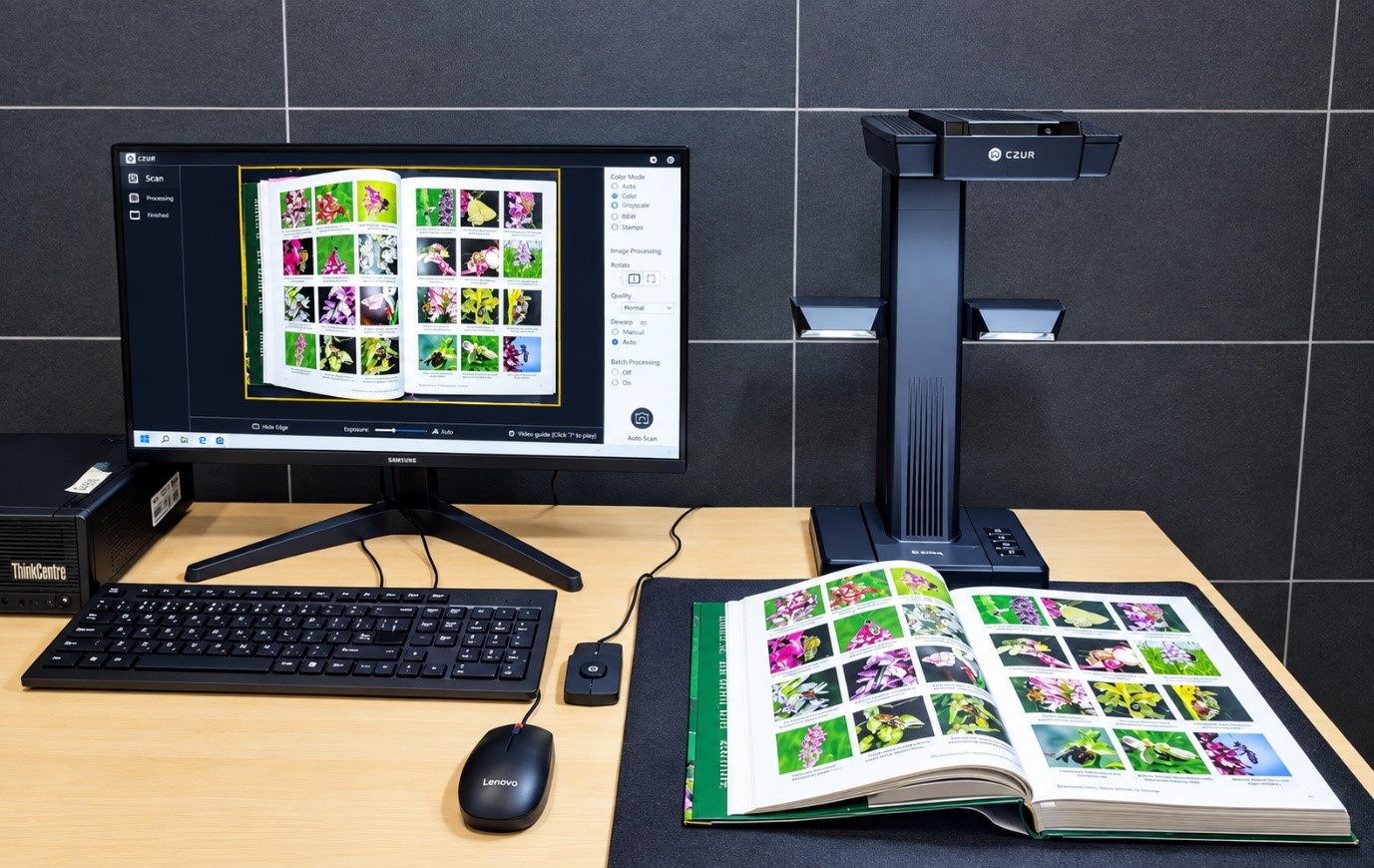
9. Scan your notes and books
Did you know that you can digitise your notes and books for free on the 2nd and 3rd floors of the Knowledge Centre? The new self-service scanners automatically correct the curvature of book pages, and thanks to optical character recognition (OCR), you can even create a searchable PDF from the scanned images.
10. Don’t hesitate to ask!
If you get stuck while searching, need help finding scholarly literature, or don’t know where to start your research, don’t hesitate to ask a librarian! You can get an immediate answer via live chat Monday to Thursday from 8:00 to 16:00 and Friday from 8:00 to 13:30. (You can find the chat window on the library website in the bottom-right corner.)
+ 1 bonus tip: Follow the library on social media!

The library is not just about studying. We regularly organise cultural and community events, so follow the library’s social media channels and platforms to make sure you don’t miss anything:
- Spotify
- Youtube
- Kalauz – the University of Pécs Library and Knowledge Centre’s website supporting publishing and research
And finally, if you’re in the mood for a little historical adventure:
It is worth visiting the Klimo Library and the Pécs University History Collection. The Klimo Library was opened to the public by György Klimo, Bishop of Pécs, in 1774. Its collection still contains many fascinating treasures, including codices, incunabula, old manuscripts, the Vizsoly Bible, and a terrestrial and celestial globe dating from 1700.
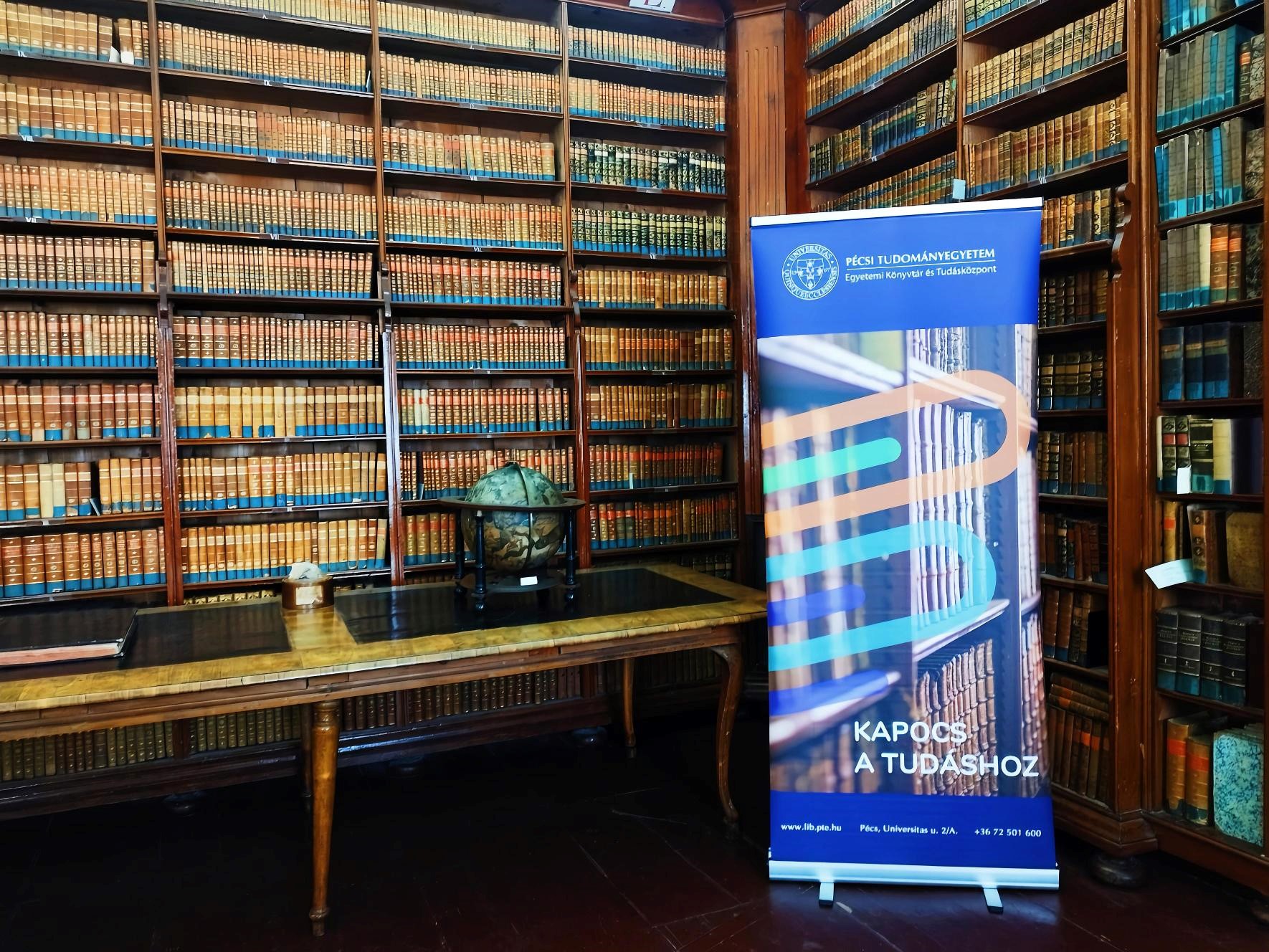
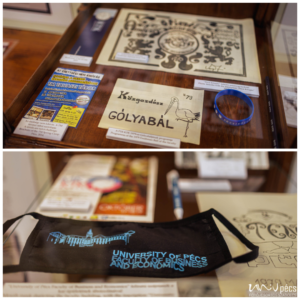 At the university history exhibition, you can trace the history of the University of Pécs’s institutions from the medieval university founded in 1367 to the present day. You can see, among other things, personal items and memorabilia belonging to former professors and students, unique scientific and medical instruments, and objects related to the university’s history.
Address: 7621 Pécs, Szepesy Ignác u. 3.
Opening hours and guided tours
Embark on your university adventure with confidence –
we’re here to support you every step of the way!
Leave a Reply